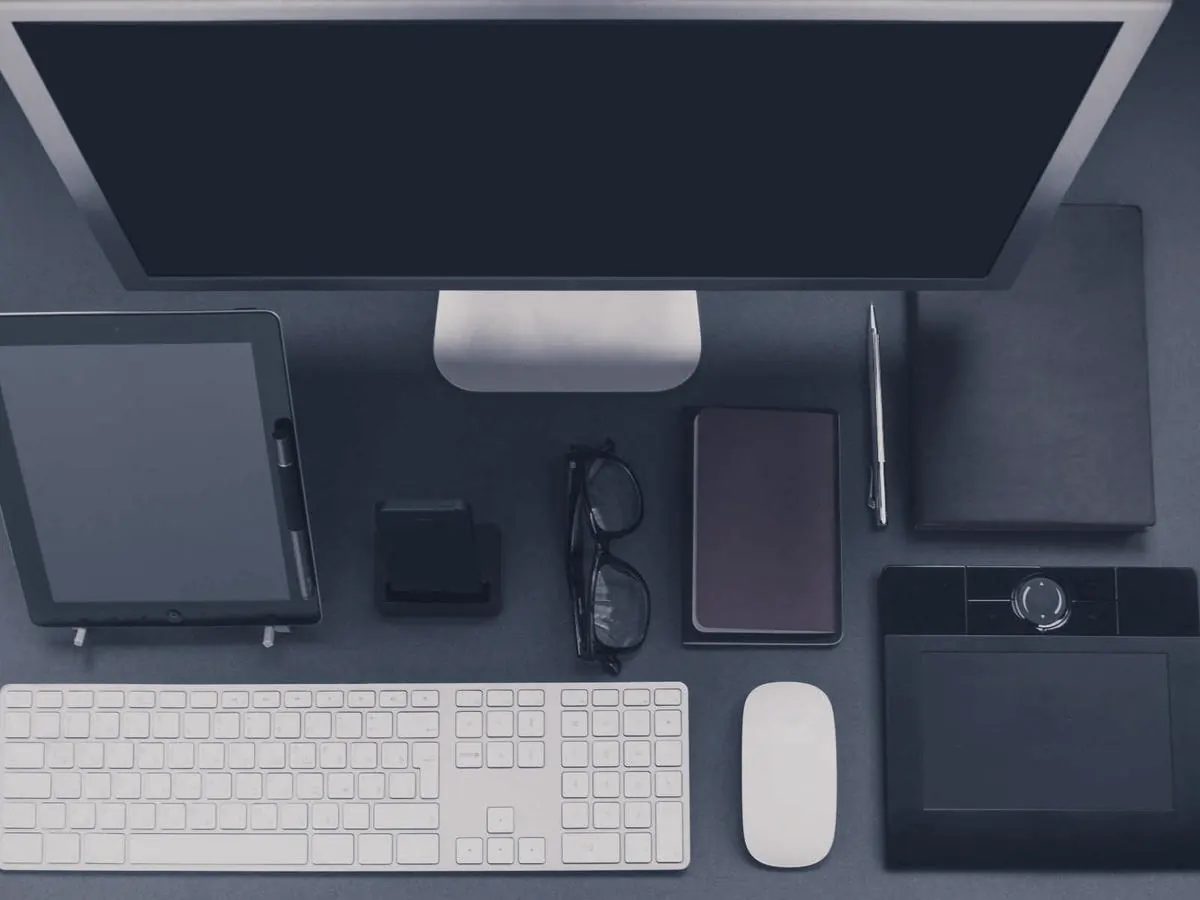
Your server, your data
The ID and relay servers run on your own machine. Sessions, devices and logs stay with you.
Reach any Mac or Windows computer through infrastructure you control. Fast, encrypted, and never routed through someone else's cloud.

The ID and relay servers run on your own machine. Sessions, devices and logs stay with you.
Every session is encrypted between the two computers, including when it passes through the relay.
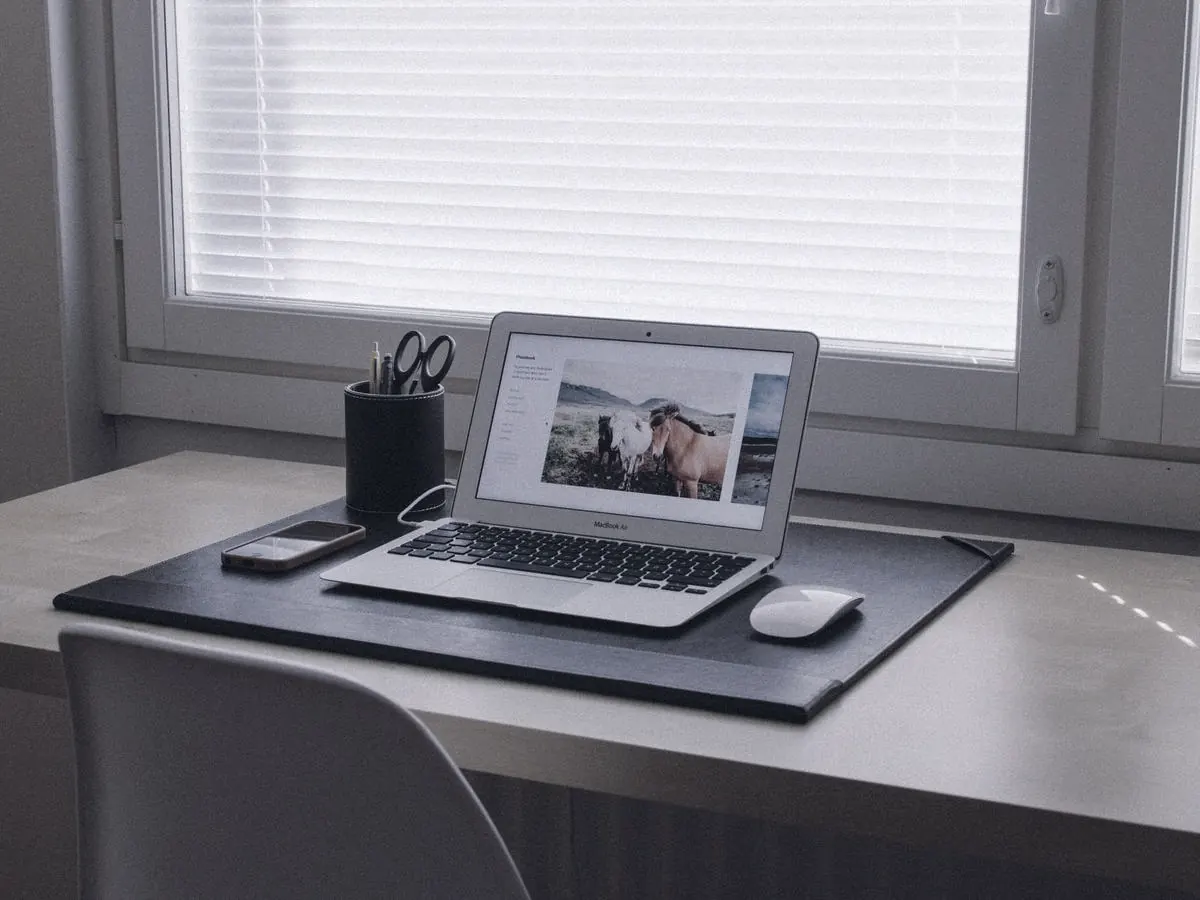
Set a permanent password and reach office machines after hours.
Drag files between computers and copy and paste across the session.
Manage users, shared address books and device groups from one admin console.
Download DigitalRViewer on both computers. Your server is already built in, so there is nothing to configure.
The person you are helping reads out their nine-digit ID and one-time password.
Enter the ID, and their screen opens with full mouse and keyboard control.
Clients without your server key are refused before a session can start.
Server addresses are built into the app, so users cannot point it somewhere else.
Every connection, login and file transfer is recorded in the console.
Built on RustDesk's open-source engine. The complete source is public.
Open the session straight from here. DigitalRViewer needs to be installed on this computer.
Free for your team. Pick your computer below.
macOS 12.3 or later
First launch: right-click the app in Applications and choose Open, then allow Screen Recording and Accessibility.
Windows 10 or 11, 64-bit
If SmartScreen appears, choose More info, then Run anyway.
Control a computer from Chrome without installing anything. In beta, with fewer features than the app.
To your own server only. The ID server, relay and console all run on hardware you control, and sessions are encrypted between the two computers.
No. The server address and key are built into every download, and the settings are locked so they cannot be changed by mistake.
Yes. Install DigitalRViewer on that computer and set a permanent password in its settings. It will accept connections whenever it is switched on.
DigitalRViewer is built on RustDesk's open-source code under the AGPL-3.0 licence, with its own branding, built-in server and admin console. The full source is published on GitHub.
Not yet. macOS and Windows are available today, and you can use the web client from any computer with Chrome.